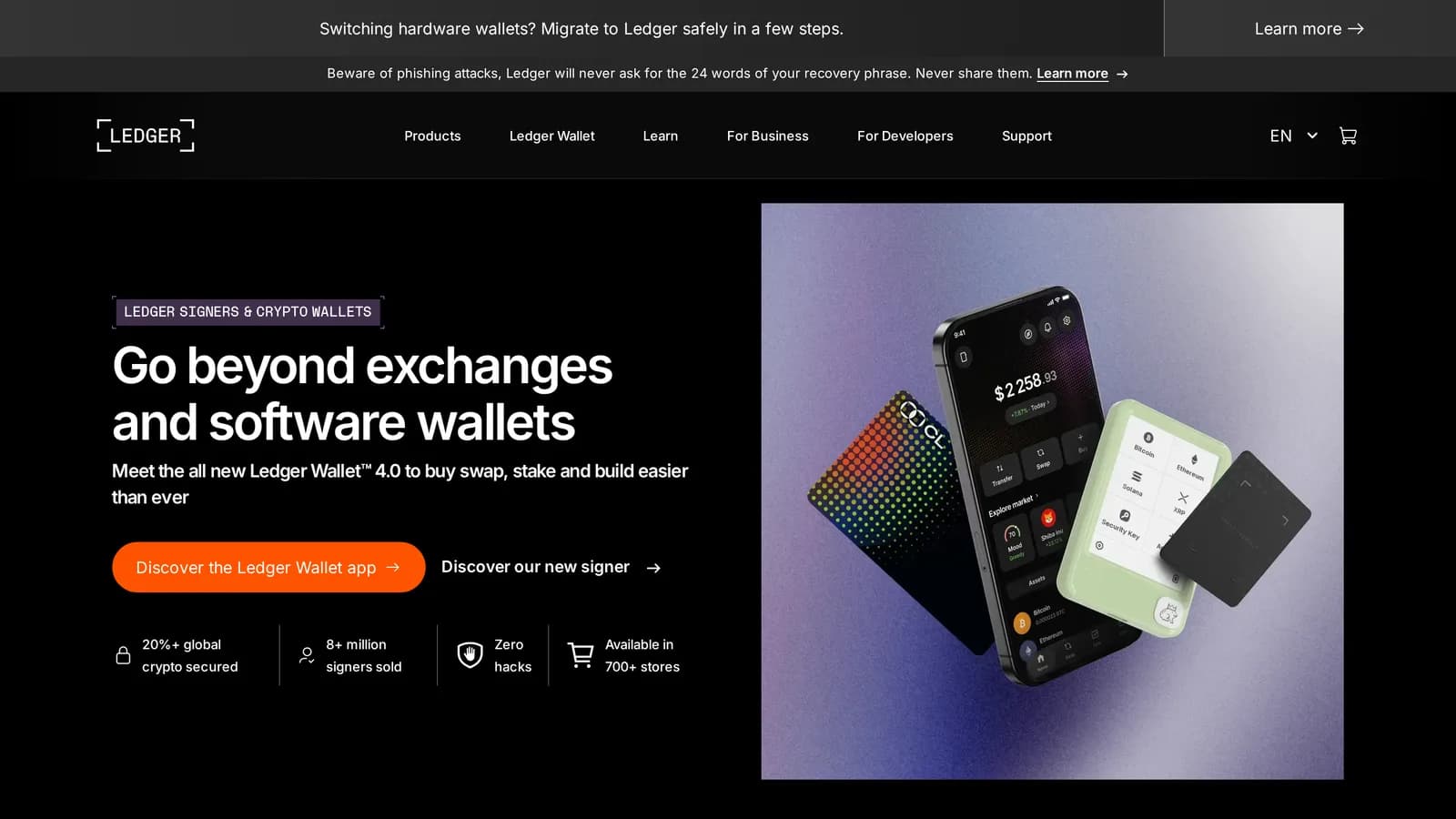
Verdict
The hardware is excellent and the certified secure element is the strongest in consumer crypto. The company has spent five years teaching its customers that the threat model includes Ledger itself — a leaked customer database, a supply-chain compromise of its own library, and a recovery product nobody asked for.
- Best for
- Multi-chain holders who want certified hardware
- Cost
- Nano S Plus ~$79, Nano X ~$149, Flex ~$249
What works
- Certified secure element resists physical extraction better than general-purpose chips
- Supports more chains and tokens than any competing device
- Ledger Live is a genuinely capable portfolio and staking interface
- Device confirmation screens are clear about what you are signing
What does not
- Firmware is not fully open source, so the security claim rests on audits
- 2020 e-commerce breach exposed customer names and home addresses
- December 2023 Connect Kit compromise drained wallets through Ledger's own library
- Swap and buy inside Ledger Live carry partner markups well above market
Buy a Ledger and you get the best-protected key storage available to a consumer. The secure element is a certified chip of the kind used in payment cards and passports, designed to resist an attacker who has the device in their hands, a lab bench and time. Trezor's older models could be extracted with physical access; Ledger's cannot, in any published attack to date.
That is the case for the product, and it is a strong one. What follows is the case against the company, which is separate and also strong.
The range
Nano S Plus (~$79): USB-only, enough storage for many chain apps, the sensible default for almost everyone.
Nano X (~$149): adds Bluetooth for mobile signing. Convenient, and one more radio in the threat model.
Flex (~$249) and Stax: touchscreens, larger displays, wireless charging. The extra money buys ergonomics, not security.
The Nano S Plus is the one to buy. Every device in the range holds keys in the same class of secure element; the rest is interface and industrial design. If a larger screen genuinely makes you check transactions more carefully, that is a legitimate reason to spend more — but be honest about whether it will.
The three incidents
2020: the customer database
An e-commerce breach exposed roughly a million email addresses and around 272,000 detailed records including names, phone numbers and home addresses. For a product whose users are known to hold bearer assets, publishing their home addresses created a physical-security problem that no firmware update can patch. The phishing campaigns that started then are still running today, and the data does not expire.
2023: Connect Kit
In December 2023 an attacker compromised a former employee's npm account and published a malicious version of Ledger's Connect Kit — the library that dApps use to talk to Ledger devices. Users of unrelated websites had their wallets drained through Ledger's own code. Losses were in the region of $600,000 before it was pulled.
The private keys never left the device, which is the security model working. The attack succeeded by convincing users to approve a transaction they did not understand, through software Ledger itself shipped. That is exactly the gap a hardware wallet is supposed to close.
2023: Ledger Recover
Ledger announced an optional subscription that shards an encrypted copy of your seed across three custodians for recovery. The backlash was severe, and the reason was not really the product — it was the discovery that firmware could export seed material under some conditions, which a large number of users had believed was architecturally impossible.
Ledger Recover did not break the security model. It revealed that the security model users had in their heads was not the one they had bought.
The firmware question
Ledger's operating system is not fully open source. You are trusting audits and the company rather than being able to verify the build yourself. Trezor takes the opposite position and historically accepted a weaker physical-security posture for it.
Neither answer is obviously correct. It depends on whether the attacker you actually fear has your device or has your supply chain, and the last five years suggest supply chain is the more active threat.
Ledger Live's fees
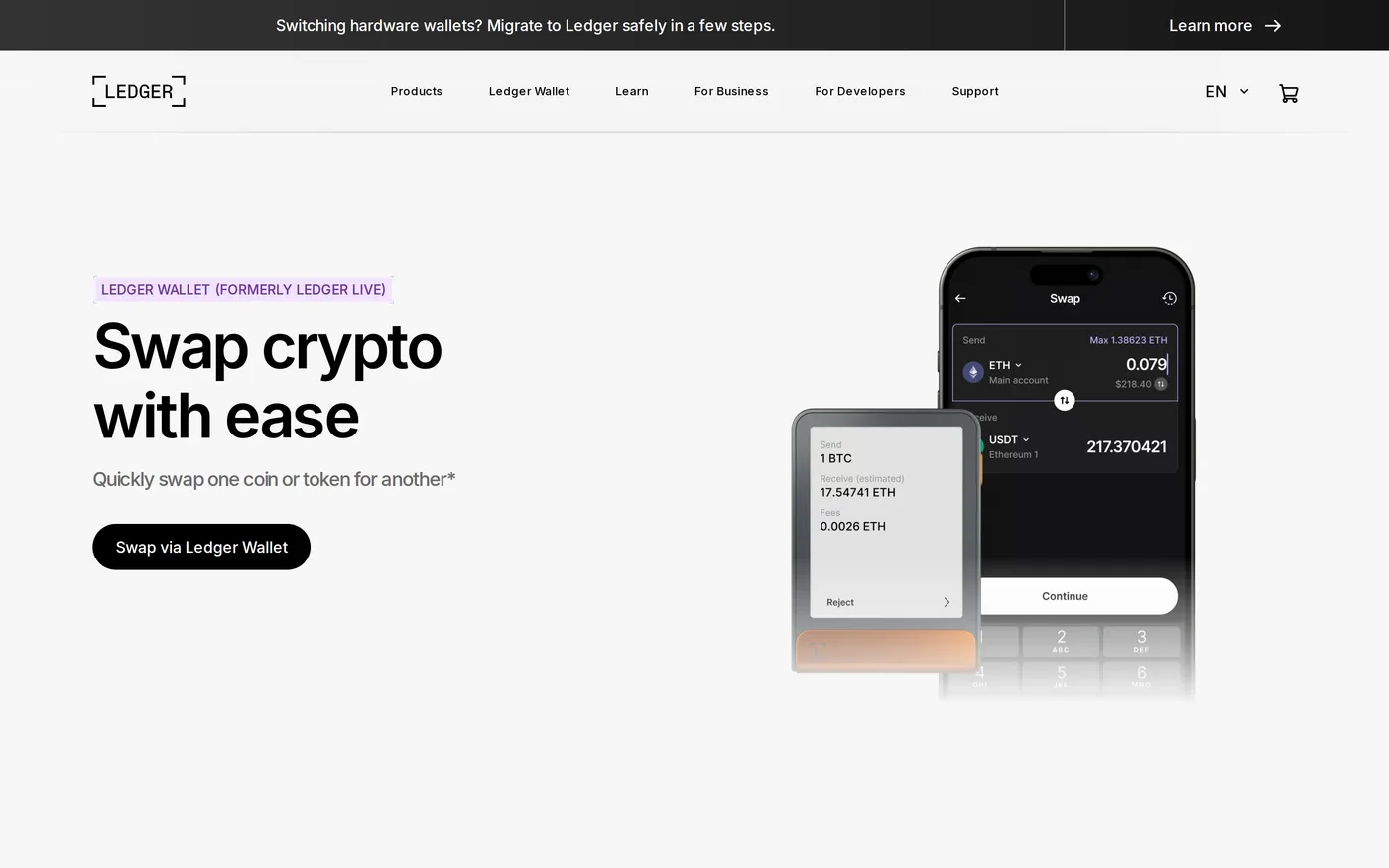
Buying or swapping inside Ledger Live routes to partners who charge markups far above what you would pay on any exchange reviewed here. It is a convenience feature priced like one, and it is the main way a free application funds itself.
Use the device to sign. Source the assets somewhere else and send them to an address the device generated.
Verdict
Setting one up properly
Buy from Ledger directly or an authorised reseller. A device from a marketplace listing may have been initialised by somebody else, and a pre-filled recovery sheet in the box is the oldest trap in this category.
Let the device generate the seed. Never accept a seed that arrived with it, on paper or otherwise.
Write the words on the supplied card, then consider a metal backup for anything you intend to hold for years. Paper does not survive a flood or a house fire.
Add a passphrase only if you understand that it is unrecoverable and that a typo produces a different, valid, empty wallet.
Send a small test amount, wipe the device, and restore from the seed before you fund it properly. This is the step everyone skips and the one that catches a wrong backup while it still costs nothing.
What it does not protect you from
A hardware wallet stops your key from being extracted. It does not stop you from signing a malicious transaction, which is how the overwhelming majority of losses now happen. The device will happily display and sign an approval that gives a contract permission to move everything you hold.
Read the device screen every time — not the computer screen, the device screen. That small display exists specifically because the computer cannot be trusted, and using it as a confirmation button rather than a verification step throws away the entire point of the purchase.
Score: 7.8. Buy the hardware, ignore the services, buy direct from Ledger rather than a marketplace, and internalise the actual lesson of the last five years: the device protects your keys, and nothing protects you from approving a transaction you did not read.